

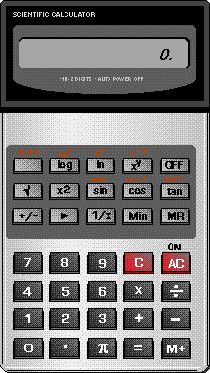
I wrote my first calculator application (see right) on Windows 3.1 back in 1996. It was intended to be an exercise in programming for Windows and it was fun.
It sowed the seeds of what would later become DreamCalc, when a few years after, I lost the trusty scientific calculator I'd had since school. To my dismay, I discovered that the input style used by calculators had universally changed since my schools days. I had grown up with postfix algebraic calculators, but the new fashion was for prefix input, and I simply could not get used to it.
I despaired for a while, contemplated giving up on life, and even resorted to using the standard Windows calculator. I soon struck upon the crazy idea, however, that I would write my own calculator application.
After all, how hard could it be?
Consequently, after a period of my life characterized by blood, sweat and tears, DreamCalc was born...
DreamCalc 2 (known as DreamCalc Pro) appeared late 2003. It boasted a new set of statistical keys and an optional range of financial functions.
There was also a new list window so that statistical data could be entered easily, but graphing would not appear until DC3.
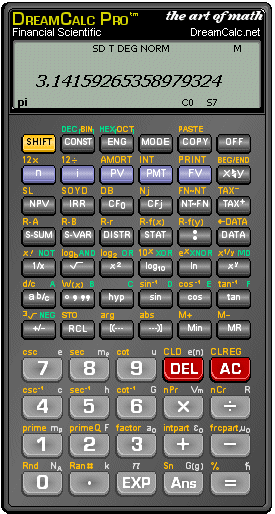
Although DreamCalc initially began life as a personal project, it seemed a good idea to release it more widely given the time and energy it had sucked from me.
The first incarnation of DreamCalc appeared in early 2003, and could accept input in both the postfix and prefix algebraic styles. It also had a "Paper Roll Window" and a limited number of unit conversions and constants. It was pretty basic in comparison to later versions, however it successfully emulated the feel of using a real calculator, which had been my goal.
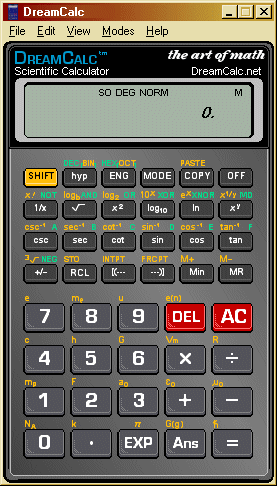
DreamCalc was given a rugged new look with DC4. Graphing was also substantially improved over DC3 in terms of features and usuability. Other new features included an optional row of base-N keys, resizable main window and the ability to annotate the Paper Roll.
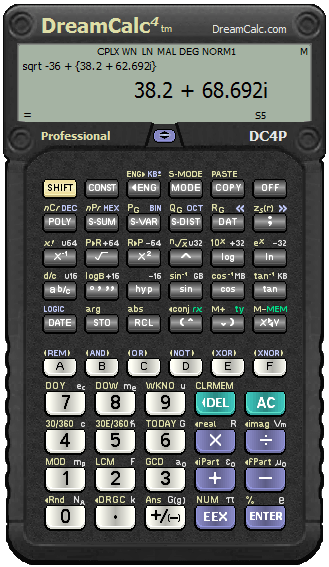
DreamCalc 5 received a lot of polish and UI updates with the advent of Window 10. Voice feedback was added in this version to support accessibility requirements in education, and the Scientific Edition was retired.
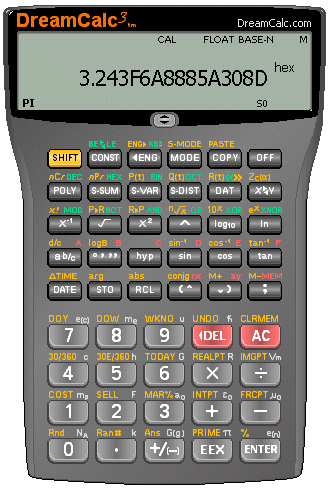
DreamCalc 3 was released in March 2005 and represented a giant leap forward in terms of usuability and feature support. The interface was substantially improved and DreamCalc now sported RPN input, complex numbers, and a polynomial solver.
The most signficant addition to this release was, however, graphing support — DreamCalc now had separate Chart Window allowing it to graph functions and plot list data.
Version 3 also saw DreamCalc released in both Professional and "Standard" Edition form. It later evolved further into three separate Professional, Graphing and Scientific Editions.
DreamCalc has far exceeded any initial expectations I had for it. It is now a polished, mature, feature rich product that has benefited from years of incremental improvement. For me, a "quick" personal project back in 2003 has become a life's work.
Be sure, there are exciting plans for the future! DreamCalc 6 will be a quantum leap, taking everything that's good about the calculator you grew up with and loved, and seemlessly melding with the desktop and touch computing platforms of tomorrow.
Andy Thomas
DreamCalc Author
